What’s New
You can now save individual elements like buttons, forms, nav menus, icons, and more as Universal Elements that automatically sync across your entire account. Update the element once, and the changes instantly apply everywhere it’s used (funnels, websites, blogs, and e-commerce).
This gives you a consistent brand system, eliminates copy-paste work, and makes building much faster.
What You Can Do
- Save any element as: Universal Element (syncs account-wide) or Template (no syncing; just a static saved copy).
- Automatically update all pages using the same Universal Element.
- Prevent duplicate Universal Elements on the same page (guardrail built in).
- Clone a saved element and automatically convert the clone to a normal element.
- View and manage saved elements with auto-generated thumbnails.
How It Works
1. Save an Element
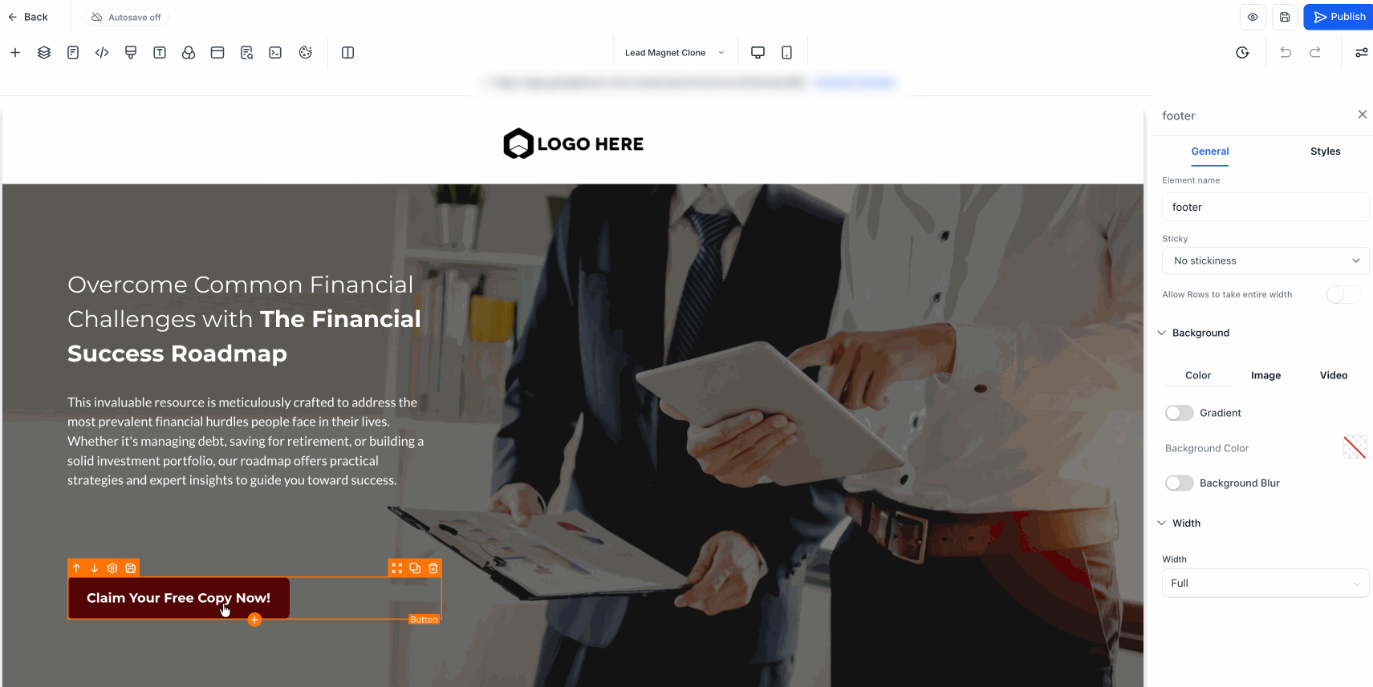
- Select an element in the builder.
- Click Save Element in the toolbar.
- Choose Universal or Template.
- The element is saved with a thumbnail. Element type can’t be changed later.
2. Add a Saved Element
- Open Saved Assets → Elements in the sidebar.
- Drag the element onto your page.
3. Edit & Sync
- Click a Universal and make changes.
- Save the page. A confirmation modal appears.
- All linked pages update automatically.
4. Cloning & Snapshot Logic
- Cloning a funnel/page generates snapshot IDs (_snapshot) to prevent cross-sync.
- Cloning a Universal Element on the same page converts it to a normal element.
- Duplicate Universal Elements on the same page are blocked.
Why It Matters
Universal Elements give you a scalable, brand-consistent design system. You create an element once and reuse it everywhere, saving editing time, reducing mistakes, and keeping your pages perfectly aligned.
Was this article helpful?
That’s Great!
Thank you for your feedback
Sorry! We couldn't be helpful
Thank you for your feedback
Feedback sent
We appreciate your effort and will try to fix the article